

An IP video surveillance system uses the data network to carry the video. Each camera is, in essence, a small computer with a lens, connected by network cable to a switch. It is more flexible and scalable than the old analogue systems.
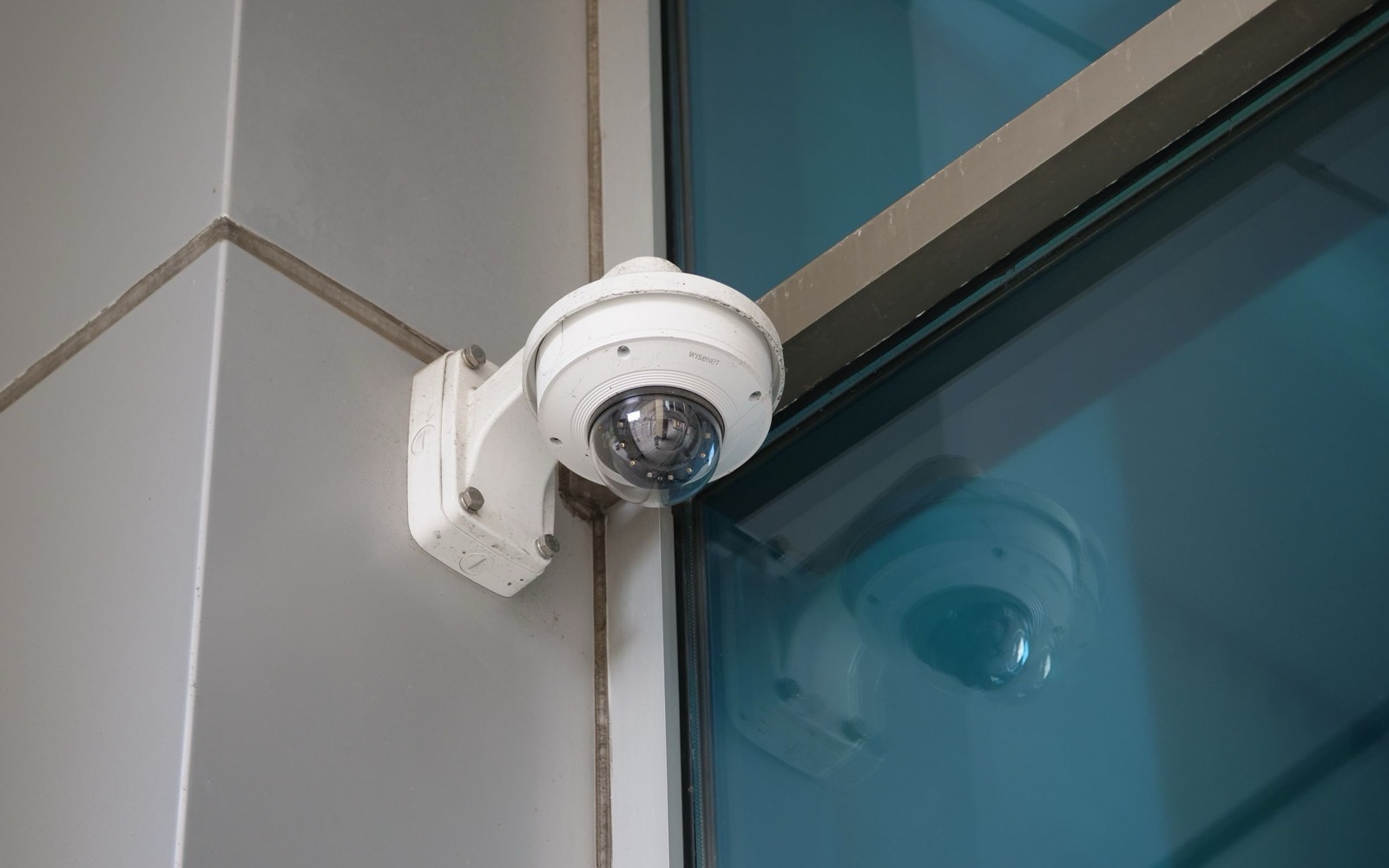
Photo: Giant Asparagus / Pexels · Source
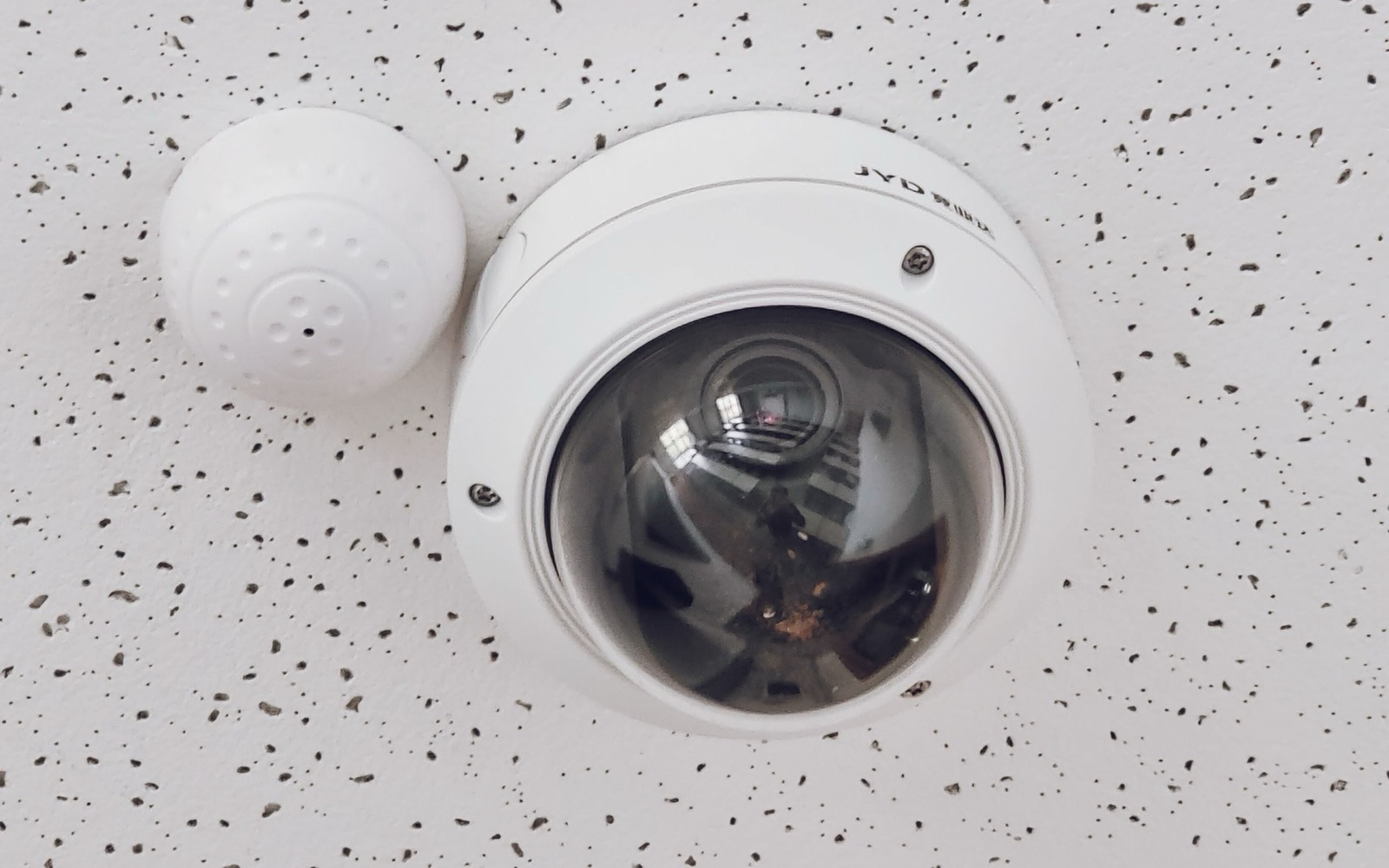
Photo: Łukasz Klimkiewicz / Pexels · Source
Swipe to see the full diagram →
Dome or bullet, depending on the location. Each connects by one network cable and sends a digital image.
Gathers the cables and powers the cameras over the network cable itself, with no sockets next to each camera.
Records the images on drives made for video. Recording time depends on the number of cameras and quality.
Connected to the internet, it lets you watch live and review recordings on a phone or computer.
Choices that make a difference
| Choice | What it means |
|---|---|
| Dome or bullet | A dome is discreet and robust; a bullet is visible and a deterrent, useful outdoors |
| Wide or narrow lens | A wide lens sees a broader area but at shorter range; a narrow lens sees further but over a smaller area |
| Resolution | More pixels make it possible to recognise details such as number plates or faces, but require more disk space |
| Night vision | Infrared lets you see in the dark up to a certain distance |
| Storage | Recording time depends on the number of cameras, the resolution and whether recording is continuous or motion-triggered |
Residential and commercial
| Residential | Commercial | |
|---|---|---|
| Purpose | Watching entrances, garage and garden | Deterring theft, protecting the till and entrances, reviewing incidents |
| Connection to other systems | Can be combined with the intruder alarm | Integrates with access control and the alarm |
Personal data and IT security
Images of people are personal data. The installation must comply with the GDPR: inform the people being filmed, have a clear purpose and limit how long recordings are kept. The system must also be protected: strong passwords that differ from the factory defaults, equipment updates and a separate network, so that only the right people can see the images.
Can I view the cameras on my phone?
Yes, if the recorder is connected to the internet. It should be configured securely, without exposing the equipment directly.
How long are the images kept?
It depends on the disk and the configuration. The system is sized for the period you want, within what the law allows in your case.